Open Today Sales: 8:30 AM-7 PMOpen Today Service: 7:30 AM-6 PM


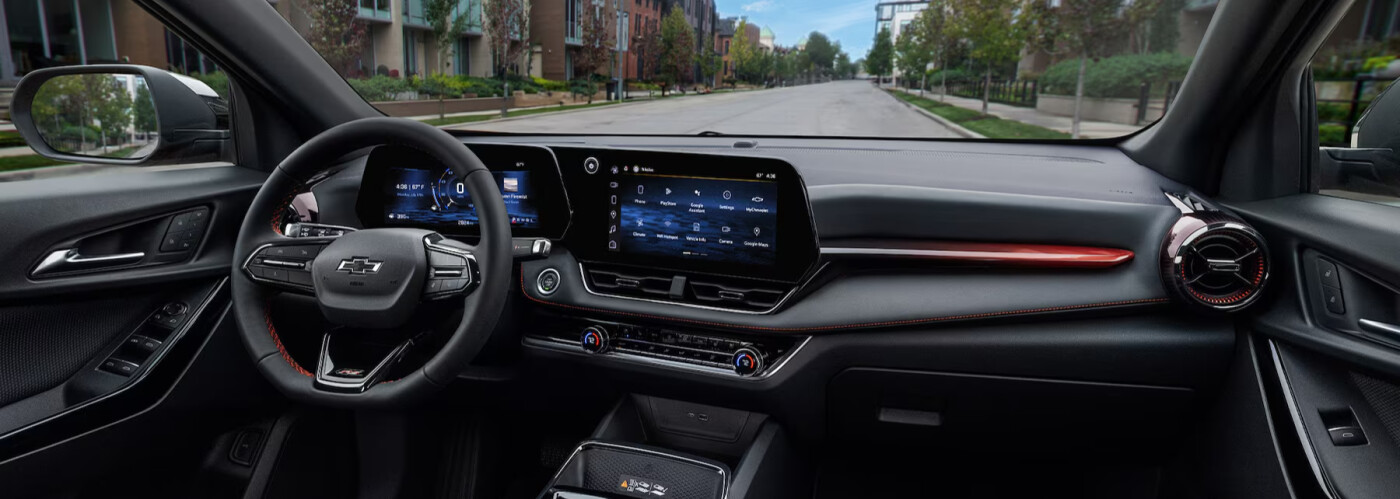
Most new Chevy vehicles come with built-in Wi-Fi hotspot capabilities through OnStar. But how do you start using the Wi-Fi capabilities in your new Chevy vehicle? Discover how to connect to Chevy Wi-Fi in this comprehensive guide or bring your car into the service center at Champion Chevrolet, your Kingsport-area Chevy dealership.
It’s quick and easy to set up your vehicle’s Chevy Wi-Fi hotspot, though you’ll first need to opt into a paid OnStar data plan. After you’ve signed up, simply follow these steps:
Once you’ve set up your Chevy Wi-Fi hotspot, you’ll need to connect your device. Follow these simple instructions and you’ll have access to a high-speed connection on all your Bristol trips!
In addition to providing mobile Wi-Fi internet, your new Chevy also makes your drives around Greenville easier with a full lineup of advanced tech, including:
Ready to take advantage of the Chevy Wi-Fi hotspot and all of the other connectivity features available from Chevy? Come check out all the new vehicle specialsgoing on right now at Champion Chevrolet. And if you have any questions, don’t hesitate to visit us in Johnson City, give us a call at (423) 427-3377, or contact us online!